◧
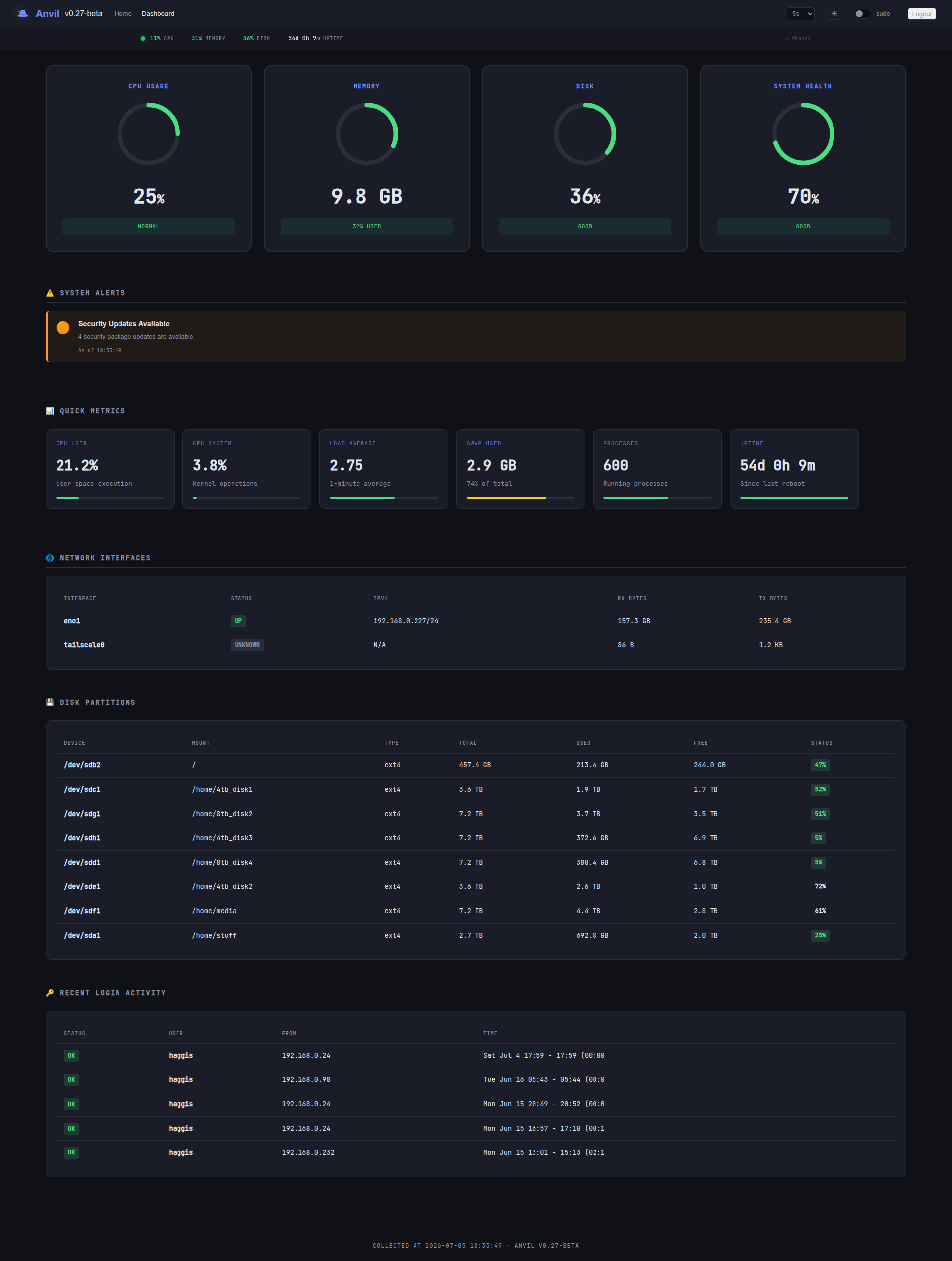
System dashboard
Large CPU / memory / disk / health gauges, an alerts panel that surfaces only live issues, and detail tables for interfaces, disks and logins — refreshing in place.
Open-source · Go · Linux
Anvil is a lightweight, single-binary Linux server management panel. Drop one executable on a box and get a clean web console for system metrics, services, packages, Docker, files, logs, users, firewall, DNS and a full web terminal — all authenticated against real system accounts with PAM.

$ sudo apt install ./anvil_<version>_amd64.deb
Ships a .deb, .rpm, a raw linux-amd64 binary, and an AUR package — each installs the systemd unit and starts the service.
// Everything the box needs
No sprawling stack to maintain. Anvil covers the daily jobs of running a Linux server — from a glance at the load to killing a runaway process or rolling a firewall rule — behind one login.
Large CPU / memory / disk / health gauges, an alerts panel that surfaces only live issues, and detail tables for interfaces, disks and logins — refreshing in place.
Live-searchable process list with click-to-sort columns, colour-coded states, CSV export, and per-row kill/signal from a validated signal set.
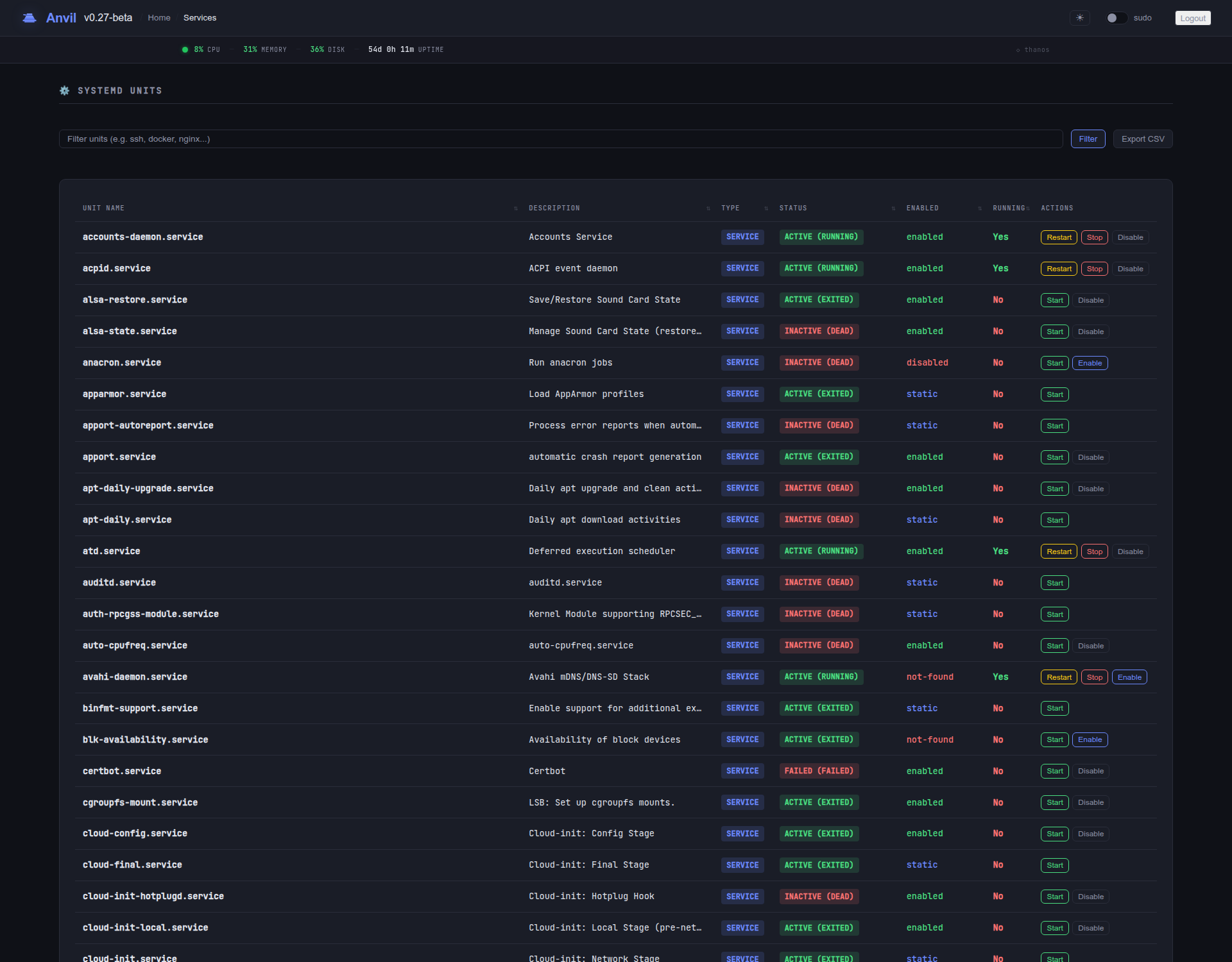
Start, stop, restart, enable and disable systemd units, with timers listed alongside cron showing next/last run and the service they fire.
Browse installed packages, see available updates and upgrade across APT, DNF and Pacman — with progress and concurrent-operation locking.
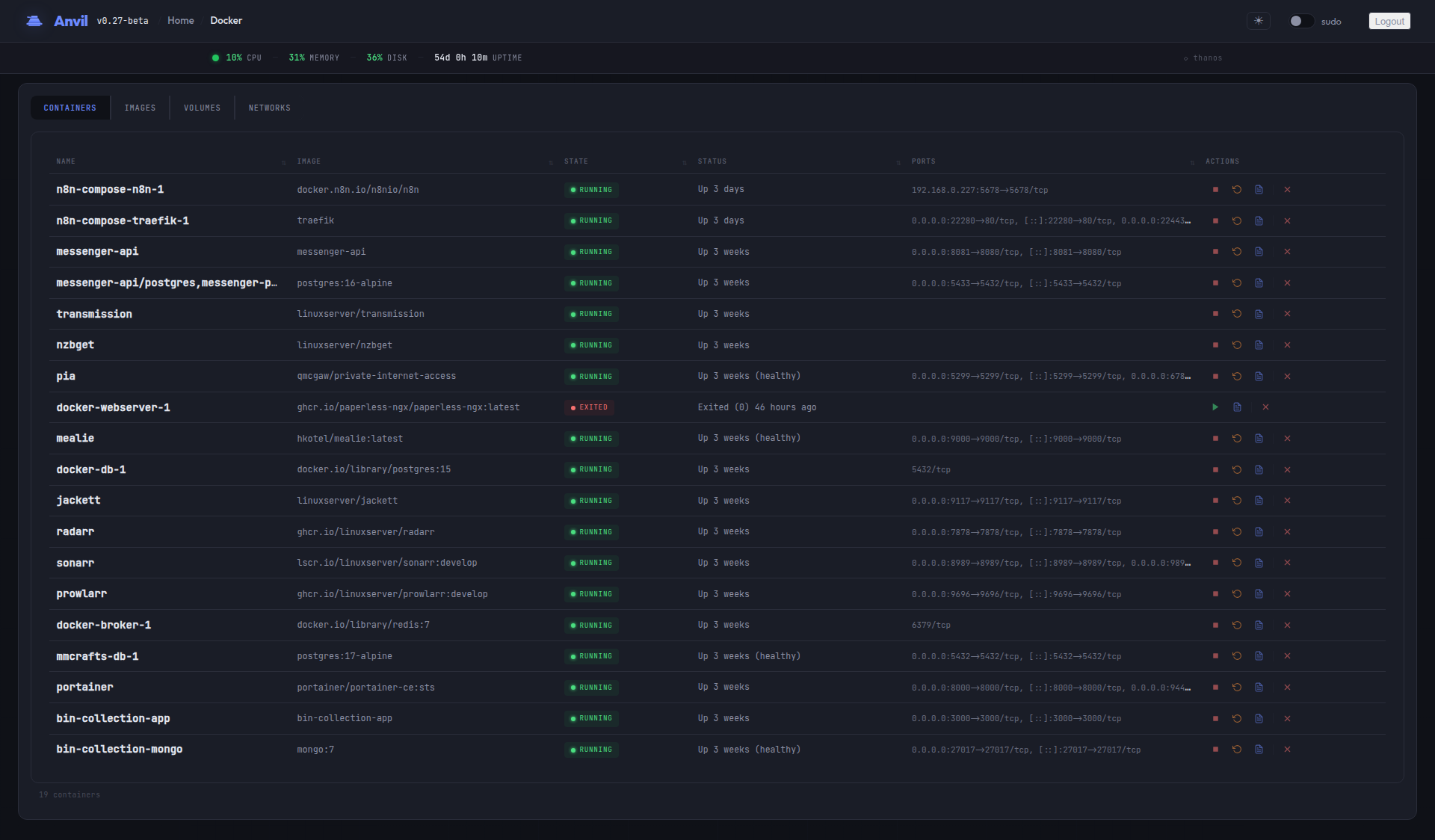
Containers, images, networks and volumes. Start, stop, restart and remove containers straight from right-click context menus.
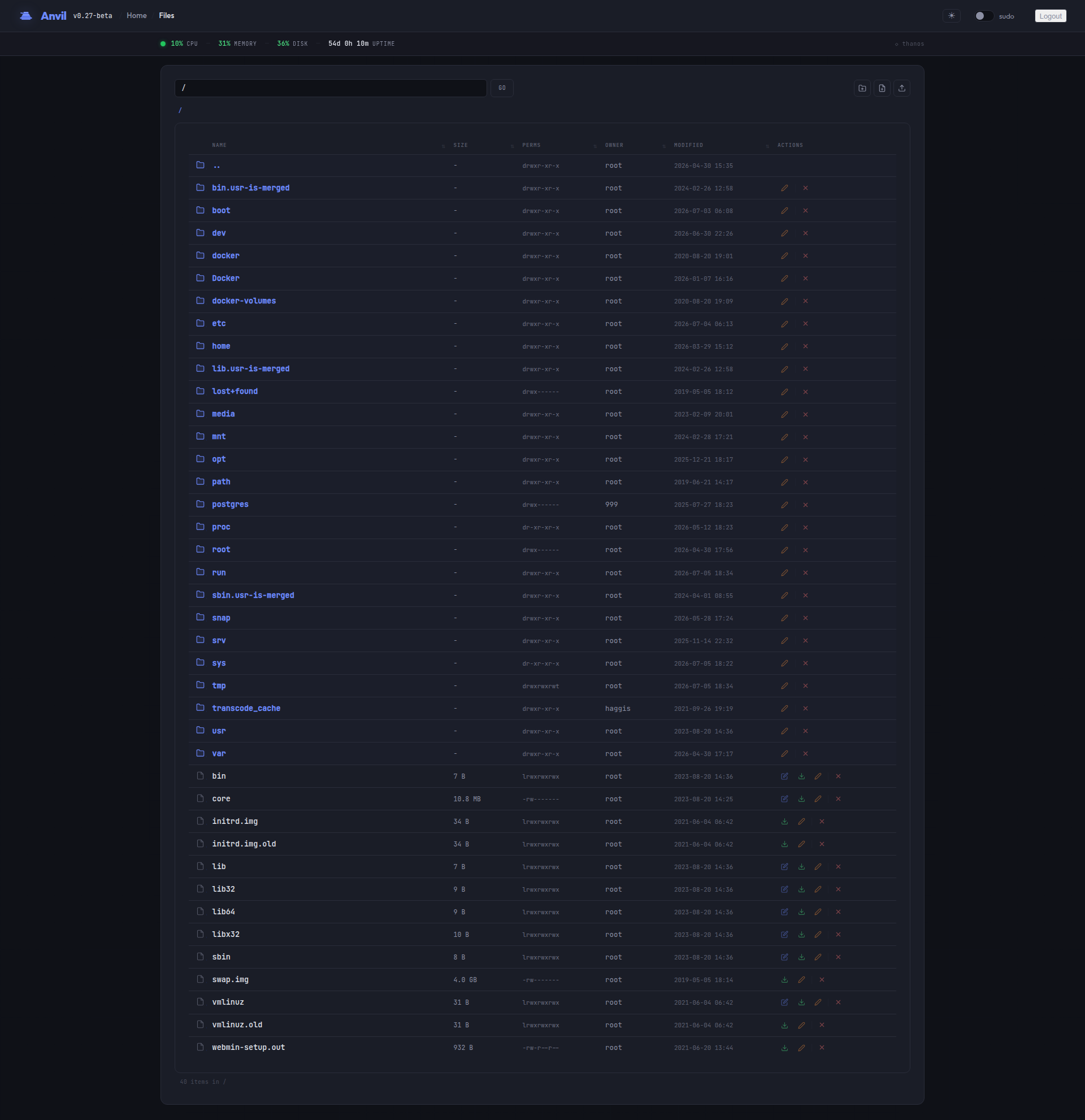
Browse the filesystem, edit files in place, upload and download, and create, rename or delete — optionally jailed to a single subtree.
A full interactive shell in the browser over WebSocket and a real PTY — no SSH client required.
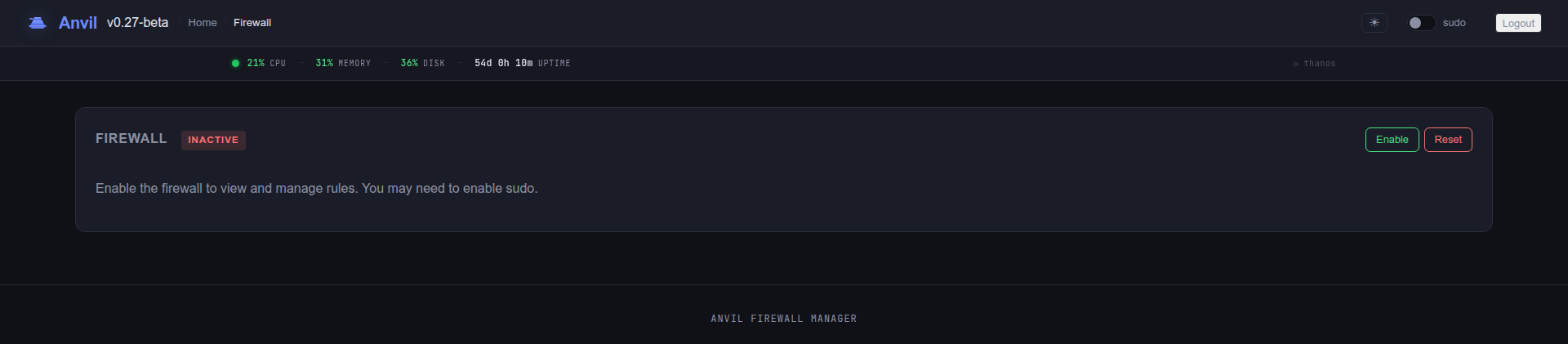
UFW status and rules with presets (SSH, HTTP, HTTPS, rate-limit), plus authorized-key management per user with fingerprints.
Watch host and port availability with a 24-hour uptime bar, response-time tracking and background health checks that persist across restarts.
Journal and log viewer with unit, priority and text filters — plus a persistent audit log of every action with user, IP and category.
Schedule tar/rsync backups and restore from them, and get threshold alerts by email, webhook, Slack or Discord.
Hit Ctrl+K for fuzzy page-jumping, with toast notifications and confirm modals instead of full reloads.
// Have a look
// Hardened by default
Anvil runs as root on your server, so it's built defensively from the login screen inward.
Authenticates against real system accounts. Credentials are never written to disk; there's no separate user database to breach.
Only root and admin groups (sudo/wheel/admin) may sign in. 256-bit session tokens, strict idle and max-age limits.
Five failed attempts per IP triggers a lockout. X-Forwarded-For is only trusted from proxies you name, so it can't be spoofed.
Optional file-manager root confines browsing to one subtree; plugins run argv-only (no shell), path-jailed, and off unless you enable them.
Turn on HTTPS with an auto-generated self-signed cert or bring your own key pair. Secure cookies flip on automatically with TLS.
Every action is logged with user, IP and category. Hashed API keys authenticate /api/* for automation — created only from a real session.
// Up in a minute
# grab the .deb from Releases, then
sudo apt install ./anvil_<version>_amd64.debsudo dnf install ./anvil-<version>.x86_64.rpmyay -S anvil-panel# default port 9006; TLS optional
sudo systemctl enable --now anvil
# → https://your-server:9006
Packages install the systemd unit and a config at /etc/anvil/anvil.env.
Requires Linux and libpam. Full guide in the
README.